.png)

How to Build a Custom Client Portal and Mobile App with AI
Learn how Client Portal's AI-powered Client App Builder turns a business brief into a branded web portal or Android app connected to courses, communities, appointments and CRM data.
How to Build a Custom Client Portal and Mobile App with AI
Businesses often want to give customers one branded place to learn, communicate, book appointments, access files, submit requests, review account information, and continue their relationship after a purchase. The idea is valuable; traditional implementation can be difficult.
A conventional client app may require product planning, interface design, front-end and back-end development, authentication, data modeling, hosting, mobile packaging, testing, and ongoing maintenance. A simple member portal can become a multi-vendor software project before the first customer signs in.
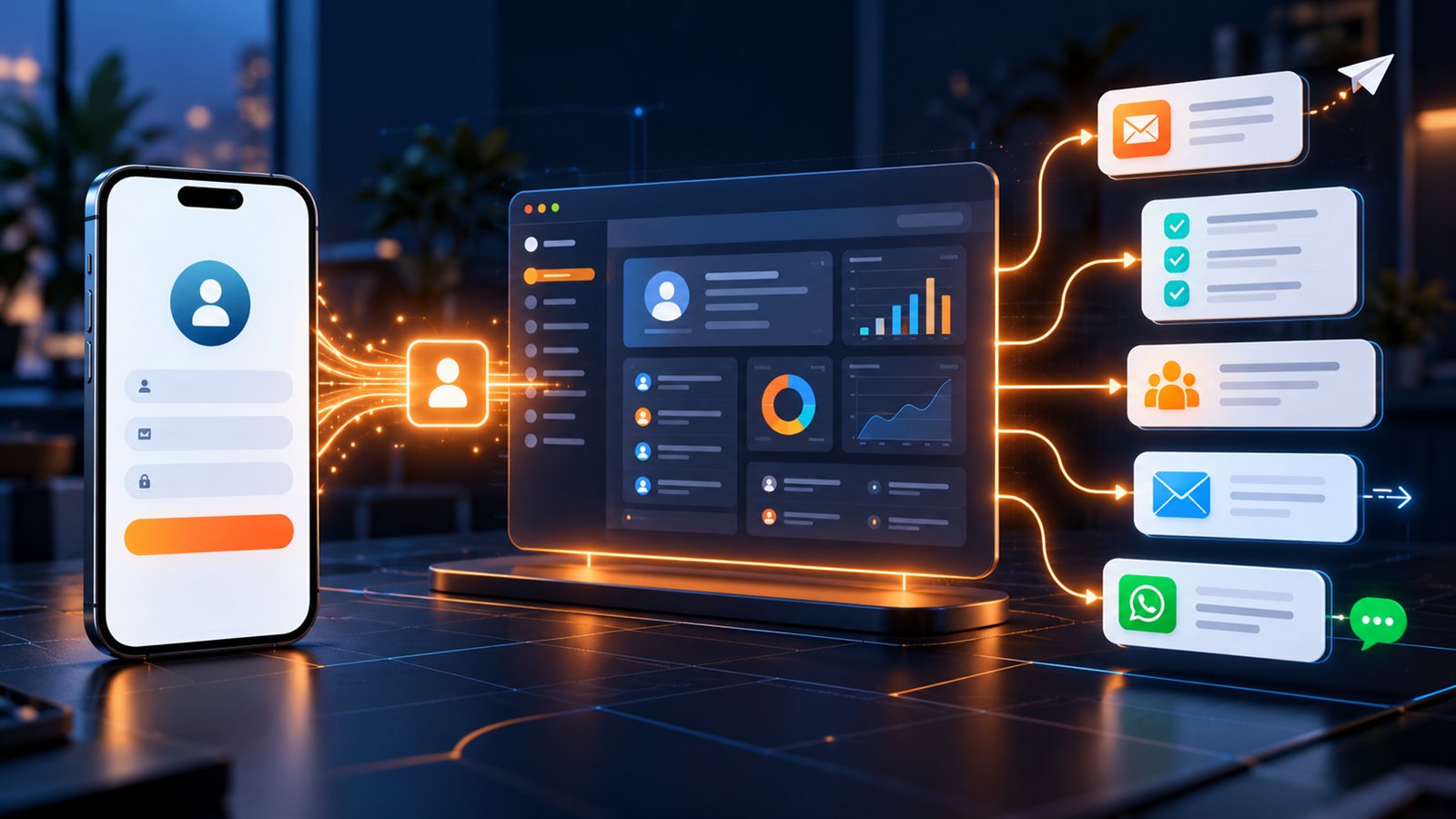
An AI client app builder changes the starting point. Instead of defining every screen in code, you describe the business, audience, tasks, content, branding, and desired customer experience. AI helps plan the information architecture, generate pages and navigation, connect supported business capabilities, and produce an experience that can be previewed and refined.
Lead Connector's Client App Builder is part of the broader Client Portal feature. Client Portal supplies the customer-facing foundation—member accounts, authentication, courses, communities, appointments, shared files and supported CRM experiences. Client App Builder is the AI-powered creation layer that turns this foundation into branded web portals and Android mobile apps. This guide explains what the combined capability does, how the process works, which business scenarios fit, and what limitations to review before launch.
> Quick answer: Client Portal manages the supported member experience and account infrastructure; its Client App Builder uses AI to shape that experience into a branded browser-based portal or downloadable Android application. It can connect courses, communities, appointments, shared files, member authentication, CRM data, Custom Objects, and invoice-based payment actions. It is not currently an iOS generator or a general-purpose custom backend platform.
What Is an AI Client App Builder?
An AI client app builder is a tool that translates a plain-language product brief into an initial application structure. The brief may describe:
- Who will use the app
- What members should accomplish
- Which information they should see
- What pages and navigation they need
- Which brand colors, fonts, images, and layout direction to use
- Which existing business features should appear
- Which customer or member data should be visible or editable
AI can then propose a build plan, create supported pages, and let the owner continue refining the experience through follow-up prompts or visual controls.
This is different from asking a generic chatbot to produce isolated code. A product-specific builder knows which account capabilities it can connect, how members authenticate, what publishing choices exist, and which limits apply to the generated experience.
What Can You Build with Client App Builder?
Branded web client portals
A web app runs in a browser and gives customers or members a customized destination. Depending on the configuration, it may include:
- A personalized welcome dashboard
- Online courses and lessons
- Community groups and feeds
- Upcoming appointments
- Shared documents and resources
- Member profile and account access
- Invoices and supported payment actions
- Service requests or applications stored in CRM Custom Objects
- Navigation to business-specific pages
Published web apps can use an available address on `app.clientclub.net` or a compatible custom domain. The current documentation allows up to ten custom domains for one web app, provided a domain is not already assigned as the active Client Portal domain.
Branded Android mobile apps
Client App Builder can also create a branded Android experience with configured identity, navigation, colors, fonts, supported native device access, and member functionality. The builder can generate a signed, installable Android APK.
This does not currently mean automatic Google Play distribution. The APK is downloaded from the builder, while direct Google Play publishing and iOS generation are not currently supported. That distinction should be included in the project plan from the beginning.
Client Portal, Web App, Mobile App, and PWA: What Is the Difference?
These terms are often confused.
| Experience | How people access it | Strong fit | Important consideration |
|---|---|---|---|
| Standard Client Portal | Sign in to the platform's familiar customer-facing experience | Fast launch using existing supported pages | Customization follows the portal controls available |
| Custom web app | Open a browser URL on desktop, tablet, or mobile | Distinct branded portal and custom page flow | Requires a network connection and browser access |
| Android APK | Install an Android application package | Branded Android experience and supported device capabilities | Direct store publishing is not currently included |
| Progressive web app | Install a web experience from a browser | App-like access without a store in platforms that support it | PWA generation is not currently a Client App Builder capability |
| Native iOS app | Install through an Apple-supported distribution path | iPhone and iPad audiences | iOS generation is not currently available in Client App Builder |
Choose according to the audience, distribution requirements, update frequency, device capabilities, and operational resources—not simply because “having an app” sounds valuable.
Two Ways to Start Building
Client App Builder provides two distinct starting points.
Option 1: Describe It Instead
This is the more custom, AI-generated path. You describe the desired experience and AI generates supported pages, layouts, and navigation around the brief.
It is useful when you want:
- A distinctive home dashboard
- A custom information architecture
- Business-specific pages and calls to action
- A visual experience that does not resemble a standard portal
- Continued development through prompts and visual editing
A coaching company, for example, might request a dashboard showing the next session, active program, learning progress, community discussions, and downloadable resources.
Option 2: ClientPortal Standard
This starts from the familiar Client Portal structure and lets the business personalize branding, navigation, opening pages, and supported layouts.
It is useful when:
- Existing portal behavior already meets most requirements
- Faster configuration is more important than a unique structure
- The business wants to customize known pages rather than generate a new experience
- Courses, products, lessons, communities, or invoices should follow a familiar model
For standard apps, the Layout and Theme Customizer can manage items such as colors, fonts, logos, app identity, navigation ordering, default screens, mobile tabs, headers, and supported links. Apps created through Describe It Instead rely more heavily on AI prompts and supported editing tools.
How the AI App-Building Process Works
1. Describe the business and desired customer experience
A useful brief should explain the audience, their main jobs, the content or services available, the required actions, access expectations, and visual direction.
Weak prompt:
> Build a client app.
Stronger prompt:
> Build a member portal for a fitness studio. Members should see their purchased courses, join the community, book a coaching appointment, download nutrition resources, and submit a progress check-in. Use a modern dark interface with our orange brand accent.
The stronger version gives AI a customer, purpose, feature set, and design direction.
2. Choose Web or Mobile
Each project is created as either a web app or a mobile app. The type cannot currently be switched after creation. If the business needs both, create and manage separate projects within the account's combined app allowance.
3. Answer setup questions
AI may ask about the business name, app name, audience, feature priorities, member visibility, and design requirements. These questions are product decisions, not administrative details. Clear answers reduce later restructuring.
4. Select the visual direction
Depending on the app type, the builder may offer design systems, colors, fonts, brand boards, and images. The initial choices should reflect the customer's context: a healthcare portal, premium coaching membership, agency reporting hub, and education platform should not all use the same hierarchy or tone.
5. Review the build plan
For supported web builds, AI presents the plan before generation. Review the pages, data requirements, navigation, and proposed functionality. Approve it, refine the proposal, or reject it before building.
6. Generate, preview, and refine
Once the initial build is ready, use chat instructions to change the hierarchy, emphasize a feature, add a page, change colors, or improve navigation. Supported web experiences created through Describe It Instead also allow visual selection of page elements for targeted edits.
7. Test as a member
Do not test only the home screen. Check sign-up, sign-in, password recovery, access permissions, course enrollment, appointments, files, forms, Custom Object records, invoices, navigation, empty states, errors, and mobile layouts.
8. Publish through the correct channel
Publish a web app to its web address or custom domain. For Android, provide the required app identity and assets, generate the signed APK, monitor the build, and download the result.
Connecting Courses, Communities, Appointments, Files, and Accounts
The main advantage of a business-specific app builder is reuse of the infrastructure already supporting the customer relationship.
Courses
Members can browse supported courses, purchase available learning content, access lessons, track progress, and join supported live sessions. This can turn a separate learning portal into part of the broader CRM journey.
Communities
Customers can access supported groups, feeds, invitations, and discovery experiences. A community can continue the relationship between appointments or course lessons.
Appointments
Supported Client Portal appointment experiences can help members see or access booking-related information without leaving the branded destination.
Shared files
Businesses can provide resources and documents inside the app. Examples include onboarding guides, program worksheets, property documents, service instructions, reports, and event materials.
Member accounts
The app uses existing Client Portal authentication capabilities, including sign-in, sign-up, and password recovery. Reusing an existing member identity reduces the need to create and synchronize another authentication system.
CRM data
Supported CRM information and Custom Objects can power interactive member experiences. The objective is not merely to display static pages; it is to let the app participate in the customer lifecycle.
Using Custom Objects for Data-Driven Apps
Custom Objects provide a way to model records that do not fit a standard contact or opportunity.
Examples include:
- Coaching applications and progress check-ins
- Property inquiries and viewing requests
- Maintenance or service requests
- Event registrations and preferences
- Membership renewals or benefit selections
- Client asset approvals
- Student project submissions
The builder can propose the object structure, including fields, dropdown values, and supported relationships. The business reviews sample records and defines who can see what before approving creation.
Supported member-visibility patterns can include:
- A member sees only their own records
- A member sees records linked to their company
- Members receive read-only visibility into all relevant records
This planning matters. A badly designed object can expose inappropriate data, create duplicates, or make reporting difficult. Define ownership, visibility, status values, required fields, and retention rules before generation.
The current documentation notes that Custom Objects can be used in both web and mobile experiences, while certain functions—including record-based payments and media attachments—are currently web-only. AI-generated changes can include up to three objects at once, subject to the broader limit of ten Custom Objects per sub-account.
Payments Inside a Client App
Supported web experiences can include invoice-based payment actions when a compatible payment provider is connected. This is useful for paying an invoice associated with a service, application, or member record.
Client App Builder is not currently a custom ecommerce-backend generator. Independent checkout systems, custom carts, and coupon logic are outside its documented scope. If commerce is central to the app, map the complete purchase flow before selecting the architecture.
Business Use Cases
Coaching and consulting portal
Combine upcoming sessions, purchased programs, course progress, community access, worksheets, coaching applications, and progress check-ins.
Gym or fitness-studio member app
Provide membership resources, training courses, class or coaching appointments, community challenges, progress check-ins, and account access. The benefit is a clearer member journey between visits: customers can find the next class, continue a program, review resources, and remain connected to the gym community from one branded destination.
Spa or wellness-center client app
Bring service information, appointment access, preparation instructions, membership benefits, aftercare resources, shared documents, and feedback requests into one experience. This can reduce repetitive questions before and after an appointment while keeping the relationship visible between visits.
Clinic or healthcare-service portal
Provide appointment access, approved preparation information, forms, shared resources, invoices, and non-clinical service requests. The benefit is easier access to operational information and next steps. Healthcare organizations must still review privacy, consent, regional regulation, clinical-record requirements, and whether a specialist patient system remains necessary; a client portal should not be represented as a medical-record replacement.
Service-business customer portal
Organize customer onboarding, booking access, shared files, service requests, invoice actions, maintenance guidance, warranty or care resources, and repeat-service information. A connected portal can reduce fragmented email threads and give customers a clearer route to the next action, while the business keeps supported activity closer to the CRM relationship.
Agency client hub
Give clients a branded destination for shared files, campaign resources, service requests, approvals, appointments, invoices, and supported account information.
Education and training portal
Connect courses, lessons, learning resources, discussion groups, live sessions, assignments modeled through Custom Objects, and learner records.
Real estate client portal
Let clients submit property requirements, review shared documents, manage viewing requests, book consultations, and track inquiry records according to configured visibility.
Professional-service portal
Organize onboarding, appointments, documents, invoices, requests, educational resources, and relationship activity for accounting, legal, advisory, or managed-service clients. Industry regulations and specialist-system requirements still apply.
Event member experience
Provide schedules, speaker or session information, downloadable resources, community discussion, appointment access, and attendee preferences.
Business Benefits of a Connected Client Portal
Reduce customer friction
Customers no longer have to remember separate links for learning, appointments, files, invoices, requests, and community. A coherent destination makes the next step easier to find.
Increase useful self-service
When common resources and supported account actions are clearly organized, customers can complete routine tasks without waiting for a team member. This does not remove human service; it reserves human attention for conversations that need judgment.
Extend the relationship after the sale
Courses, community, resources, appointments, check-ins, and service information give customers reasons to return after the initial purchase. That supports onboarding, adoption, retention, renewals, and repeat service.
Preserve customer context
Using the Client Portal and CRM foundation reduces the need to maintain a separate member identity and disconnected data store. Supported interactions can remain closer to the customer relationship the team already manages.
Test an app concept sooner
AI-assisted planning and generation can help a business move from an idea to a previewable experience before committing to a separate custom-development project. Testing still matters, but the first useful prototype can be more accessible.
Deliver a consistent brand experience
Colors, fonts, identity, navigation, pages, and resources can reflect the business rather than sending customers through a patchwork of unrelated interfaces.
Web App or Android App: Which Should You Choose?
Choose a web app when:
- Customers use a mix of desktop, tablet, Android, and iOS devices
- Searchable or link-based access matters
- Updates should be published without reinstalling an app
- Custom domains are important
- Record-based payment or web-only Custom Object capabilities are required
- The business wants the lowest-friction first launch
Choose an Android app when:
- The audience is substantially Android-based
- An installable branded experience creates real retention value
- Supported device capabilities such as camera or photo access are useful
- Distribution through a signed APK fits the onboarding model
- The team understands current update and publishing constraints
For many businesses, the web app is the practical first version. It can validate information architecture, member demand, and core workflows across devices. An Android app can follow when installation provides a clear advantage.
Important Current Limitations
A credible app plan must include what the builder does not currently provide:
- Client App Builder is available through Labs at the sub-account level.
- One project is either Web or Mobile; it cannot be converted later.
- The combined limit is currently five apps per sub-account.
- Android APK generation is supported; iOS generation is not currently available.
- Direct Google Play and Apple App Store publishing are not currently supported.
- Only one signed APK can currently be generated per app.
- For Describe It Instead mobile apps, adding newly generated screens would require an APK rebuild, which is not currently supported after the first build.
- Web app duplication, version history, and restore are not currently available.
- Custom server-side code, custom databases, and third-party npm installation are not supported.
- Custom checkout systems are not supported; documented payments use supported invoices.
- Desktop app and PWA generation are not currently available.
- The builder interface is currently in English.
- Compatible external AI tools connected through MCP can work with supported web projects, but cannot currently publish, manage secrets, or build production mobile apps.
These boundaries do not make the product weak; they define the projects it is designed to solve. It is a builder for supported client and member experiences on top of the connected platform—not a replacement for every software engineering stack.
A Pre-Launch Checklist
Product and audience
- Define the primary member and the top three jobs they need to complete.
- Choose Web or Mobile based on access and distribution, not novelty.
- Decide which pages are essential for version one.
- Define success: activation, course completion, appointments, requests, payment, retention, or reduced support work.
Data and access
- Map member roles and visibility.
- Review every Custom Object and field.
- Confirm members cannot see records belonging to the wrong person or company.
- Test empty, partial, duplicate, and invalid records.
- Document how access is granted and removed.
Experience and branding
- Confirm logo, colors, fonts, app name, imagery, and navigation.
- Test desktop, tablet, and mobile web sizes.
- Review Android phone layout if building an APK.
- Make every important destination reachable without guesswork.
- Use plain labels that members understand.
Connected functionality
- Test courses, community access, appointments, files, authentication, invoices, and Custom Objects.
- Test new-member and existing-member journeys.
- Confirm CRM records and workflows behave as intended.
- Verify payment provider and invoice configuration where used.
- Check failure messages and recovery steps.
Publishing and operations
- Confirm the web address or custom-domain plan.
- Prepare Android icon, splash screen, and optional Firebase configuration when applicable.
- Define who owns future changes and support.
- Keep a record of prompts, requirements, objects, and access decisions.
- Plan communication and onboarding for members.
Frequently Asked Questions
Can I build a client portal without coding?
Yes. Client App Builder uses natural-language instructions and supported customization controls to create web portals and Android experiences without requiring the owner to write code.
Can I build both a web app and a mobile app?
Yes, subject to the combined app limit. Each is a separate project, and a project cannot be switched from Web to Mobile after creation.
Does it create iPhone apps?
Not currently. The documented mobile output is a signed Android APK. iOS generation is not presently supported.
Can I publish directly to Google Play?
Not currently. The builder generates a signed APK for download, but direct app-store publishing is outside the current workflow.
Can customers use my existing courses and communities?
Yes. Supported Client Portal capabilities include courses, communities, shared files, appointments, member accounts, and related experiences.
Can the app display customer-specific data?
Supported CRM information and Custom Objects can create data-driven experiences. Visibility must be configured so members see only the appropriate records.
Can members make payments?
Supported web experiences can use invoice-based payment actions when a provider is connected. Custom checkout systems are not currently supported.
Can I connect an external AI coding tool?
Compatible tools such as ChatGPT, Codex, Cursor, Claude, and VS Code can connect through the supported MCP workflow for web projects. Current MCP access does not include publishing, secrets management, or production mobile builds.
Turn the Client Portal into Part of the Customer Journey
A useful client app is not a collection of attractive screens. It is a guided environment where members can understand what is available, complete the right task, access the right information, and remain connected to the business.
Lead Connector Client App Builder combines conversational creation with existing courses, communities, appointments, shared files, member identity, CRM records, Custom Objects, and invoice actions. That gives businesses a practical path from “we need a client app” to a testable, branded experience without starting with a separate software project.
Explore Client App Builder or review the official getting-started documentation before planning your first app.