.png)
How to Follow Up on Quotes and Estimates Automatically
Create an automated quote follow-up process that confirms receipt, adds value, protects decision dates, stops on reply and connects acceptance to delivery.
Why automate quote and estimate follow-up?
A quotation often represents significant marketing, discovery and preparation work. When follow-up depends on memory, suitable opportunities become silent losses. Automated quote follow-up creates timely tasks and messages while keeping negotiation and judgment under human control.
The goal is not to pressure every prospect. It is to confirm delivery, make the decision easy and give each open estimate a clear owner and outcome.
Capture the right quote data
Connect the estimate to the contact and opportunity. Record the service, amount, version, sent date, expiry or decision date, owner, payment terms and relevant documents. Preserve customer questions and approvals in the same history.
Step 1: confirm receipt
Soon after sending, confirm that the customer received the document and can open it. Restate the proposed next step and identify who can answer questions. Do not assume delivery merely because an email provider accepted the message.
Example:
> Hi [First name], your estimate for [service] has been sent. Please let us know if you cannot open it or if any part needs clarification. The next step is [action].
Step 2: create a human review task
High-value, complex or customized estimates deserve personal review. Create a task for the owner before automatic follow-up begins. Include discovery notes, decision stakeholders, objections and the agreed timeline.
Step 3: send a useful check-in
Follow up according to the buying cycle. Reference the customer’s objective, answer a common question or clarify a relevant assumption. Avoid messages that only say “checking in.”
Example:
> You mentioned that [objective] is the priority. The estimate includes [relevant scope] to address it. Is there a question about timing, scope or payment that would help you evaluate the next step?
Step 4: approach the decision date
Before the agreed or valid-until date, send a concise reminder. If capacity, price or availability may change, state that accurately without manufactured scarcity. Create a call task when a conversation is more appropriate than another message.
Step 5: record the outcome
Move the opportunity to Won, Lost, Revision Requested or an eligible nurture state. Capture a useful lost reason. Do not leave estimates permanently open because nobody wants to close them.
Essential workflow branches
The workflow should respond differently when the customer:
- Opens or acknowledges the quote
- Asks a question
- Requests a revision
- Accepts or pays
- Declines
- Does not respond
- Books another consultation
- Opts out or becomes unsuitable
Stop automatic sales messages immediately after a reply or human takeover. Prevent old versions from triggering reminders after a revised quote is sent.
Suggested cadence
| Timing | Purpose | Best owner |
|---|---|---|
| Immediately after sending | Confirm delivery and next step | Automation |
| One business day later | Check accessibility or missing information | Automation or owner |
| Midway to decision date | Add value and answer objections | Sales owner |
| Before expiry or agreed decision | Request a clear next step | Sales owner |
| After inactivity | Close, nurture or schedule later contact | Owner with automation support |
This is an example, not a universal rule. Emergency work, home services, consulting and enterprise proposals have different timelines.
Connect acceptance to fulfillment
An accepted estimate can trigger payment instructions, invoice creation, onboarding, appointment scheduling, project tasks and internal notification. Ensure the accepted scope and version are available to the delivery team.
Project Management can connect post-sale tasks to the relevant CRM contact or opportunity.
Measure quote performance
Track estimates sent, total value, acknowledgement rate, revision rate, quote-to-sale conversion, average time to decision, discounting, lost reasons and revenue by source. Review outcomes by service, owner and value range.
If many estimates receive no response, examine qualification and discovery before sending more reminders. If price is the dominant lost reason, evaluate positioning, scope and target customer—not only discounts.
Compliance and customer experience
Use permitted channels, respect quiet hours and opt-outs, identify the business and avoid misleading urgency. Some industries require specific estimate, contract or disclosure practices. Automation does not replace legal or professional review.
Frequently asked questions
How many times should I follow up on a quote?
There is no universal number. Use the agreed decision timeline, deal value and customer engagement. A short, helpful sequence with a clear final disposition is better than indefinite reminders.
Should every quote receive automated follow-up?
No. Exclude declined, paid, expired, duplicate, superseded, opted-out or inappropriate records. High-value proposals may require mostly personal follow-up.
What should happen when the customer replies?
Stop the automatic sequence, notify the owner and create the appropriate next action. The employee should see the quote and conversation context.
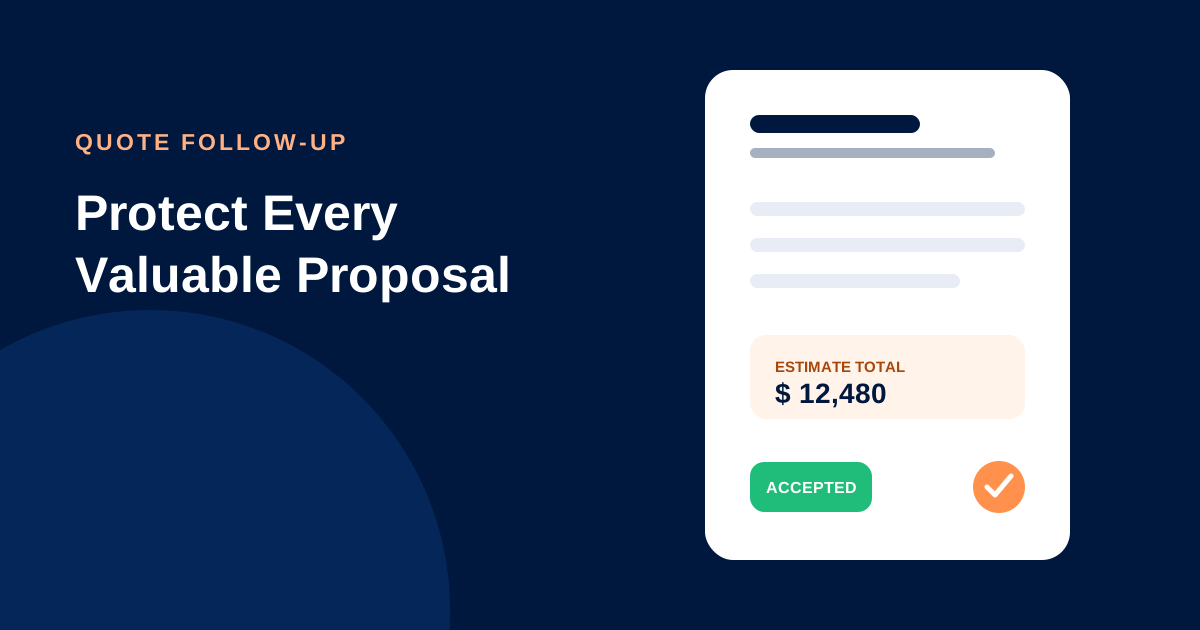
Protect every valuable proposal
Lead Connector connects contacts, opportunities, workflows, estimates, invoices, payments and delivery. Explore CRM automation or contact our team to build a quote-to-customer process.