
CRM for Service Businesses: Features, Benefits, and Buying Checklist
A practical guide to choosing CRM for service businesses, including the essential features, implementation questions, benefits, and buying checklist.
Service companies sell trust, expertise, and reliable delivery. Their sales process often includes enquiries, consultations, quotes, appointments, follow-ups, and repeat business. CRM for service businesses should connect that entire journey—not just store a list of contacts.
This guide explains the capabilities that matter most and gives you a practical checklist for comparing platforms.
Why service businesses need a specialized CRM process
A product business may focus on carts and orders. A service business usually manages a longer relationship: understanding the need, scheduling a visit or call, preparing an estimate, answering questions, delivering the work, and following up afterward.
Without a shared system, information gets divided among phones, inboxes, spreadsheets, calendars, and individual memory. That makes it difficult to provide a consistent customer experience.

Benefits of CRM for service businesses
Faster response to enquiries
Automatic capture and assignment help the correct person see a new lead quickly. Managers can also identify unassigned or overdue enquiries.
Better client context
A complete record shows previous messages, calls, appointments, quotes, services, notes, and preferences. Employees can prepare before contacting the customer.
Consistent follow-up
Tasks and workflows reduce dependence on memory. Every open opportunity can have a clear owner, next action, and deadline.
Improved scheduling
Calendar and appointment connections allow a customer to move from enquiry to booked consultation without duplicate entry.
Reliable sales visibility
A defined pipeline shows demand, bottlenecks, upcoming proposals, expected revenue, and reasons for lost opportunities.
Stronger repeat business
When service history is organized, the team can schedule appropriate check-ins, maintenance reminders, renewals, or relevant additional services.
Essential service business CRM features
Multi-channel lead capture
Look for connections to your website forms, ads, phone calls, WhatsApp, email, landing pages, and booking tools. The CRM should preserve the original lead source.
Custom contact and job fields
Different services require different information: property type, location, project scope, urgency, budget range, equipment, or preferred appointment time. Custom fields keep qualification structured.
A visual and customizable pipeline
Your stages should reflect customer milestones. A simple version might be New Lead, Contacted, Qualified, Appointment Booked, Quote Sent, Decision, Won, and Lost. Read our sales pipeline stages guide before adding unnecessary stages.
Integrated communications
Calls, messages, and emails should be visible from the customer record when possible. This supports better handoffs and reduces repeated questions.
Calendar and appointment management
Useful features include availability, booking links, confirmations, reminders, rescheduling, and visibility for the assigned team member.
Workflow automation
Automate predictable steps such as acknowledgement, assignment, reminder creation, appointment confirmation, and post-service follow-up. Keep judgment-heavy conversations human.
Mobile-friendly access
Field teams and mobile professionals need to check history, update status, add notes, and schedule the next action away from a desk.
Dashboards and reports
Reports should show lead volume, sources, response time, stage conversion, pipeline value, win rate, average sales cycle, and lost reasons.
Permissions and audit history
Role-based access protects customer data and makes it clear who changed a record. This becomes more important as the team grows.
CRM buying checklist
Use this checklist during demos and trials:
- [ ] Captures leads from our main sources
- [ ] Prevents or merges duplicate contacts
- [ ] Supports our exact service categories and locations
- [ ] Shows one conversation and activity timeline
- [ ] Assigns leads using clear rules
- [ ] Creates tasks with owners and due dates
- [ ] Connects appointments to customer records
- [ ] Supports appropriate messaging and consent processes
- [ ] Provides mobile access
- [ ] Offers understandable dashboards
- [ ] Exports our data in a usable format
- [ ] Has suitable permissions, security, and support
- [ ] Includes onboarding or implementation help
- [ ] Can grow without forcing a complete rebuild
Ask the vendor to demonstrate your real workflow from new enquiry to completed service. A generic feature tour may hide practical gaps.
Questions to ask before choosing a CRM
- Which integrations are native, and which require another service?
- How does the system handle duplicate contacts?
- Can automations stop when a customer replies?
- Can different teams have different permissions?
- What data can we export if we leave?
- How are backups, privacy, and security handled?
- What implementation support and training are included?
- Which reports are available without custom development?
- What is the full cost when users and message volume grow?
Implementation mistakes to avoid
Copying a broken process
Automation makes a bad process faster. Define ownership, stages, and next actions before building workflows.
Importing messy data
Clean phone formats, remove obvious duplicates, decide required fields, and map columns before migration.
Adding too many fields
Every required field adds friction. Collect information only when it has a purpose in qualification, service, reporting, or compliance.
Launching without team training
Show employees how the CRM helps their daily work. Train with real examples and explain the minimum data required at each stage.
Measuring activity instead of outcomes
More tasks or messages do not necessarily mean better sales. Connect activity to response time, appointments, qualified opportunities, wins, and customer experience.
CRM implementation in four phases
Phase 1: Map. Document lead sources, stages, owners, response expectations, and handoffs.
Phase 2: Build. Configure fields, pipeline, permissions, and essential integrations.
Phase 3: Launch. Import clean data, train users, and test with real leads.
Phase 4: Improve. Review adoption and bottlenecks, then add carefully chosen automation.
Lead Connector supports this approach with done-for-you setup, customization, and team training alongside its CRM, communication, calendar, and automation tools.
Frequently asked questions
What types of service businesses can use CRM?
Professional services, agencies, consultants, home-service companies, clinics, education providers, and many other appointment- or quote-based businesses can adapt CRM to their workflow.
Is client management software the same as CRM?
The terms overlap. A CRM usually emphasizes leads, relationships, communication, and sales opportunities. Client management tools may focus more on delivery after the sale. Some platforms support both.
When should a service business move beyond spreadsheets?
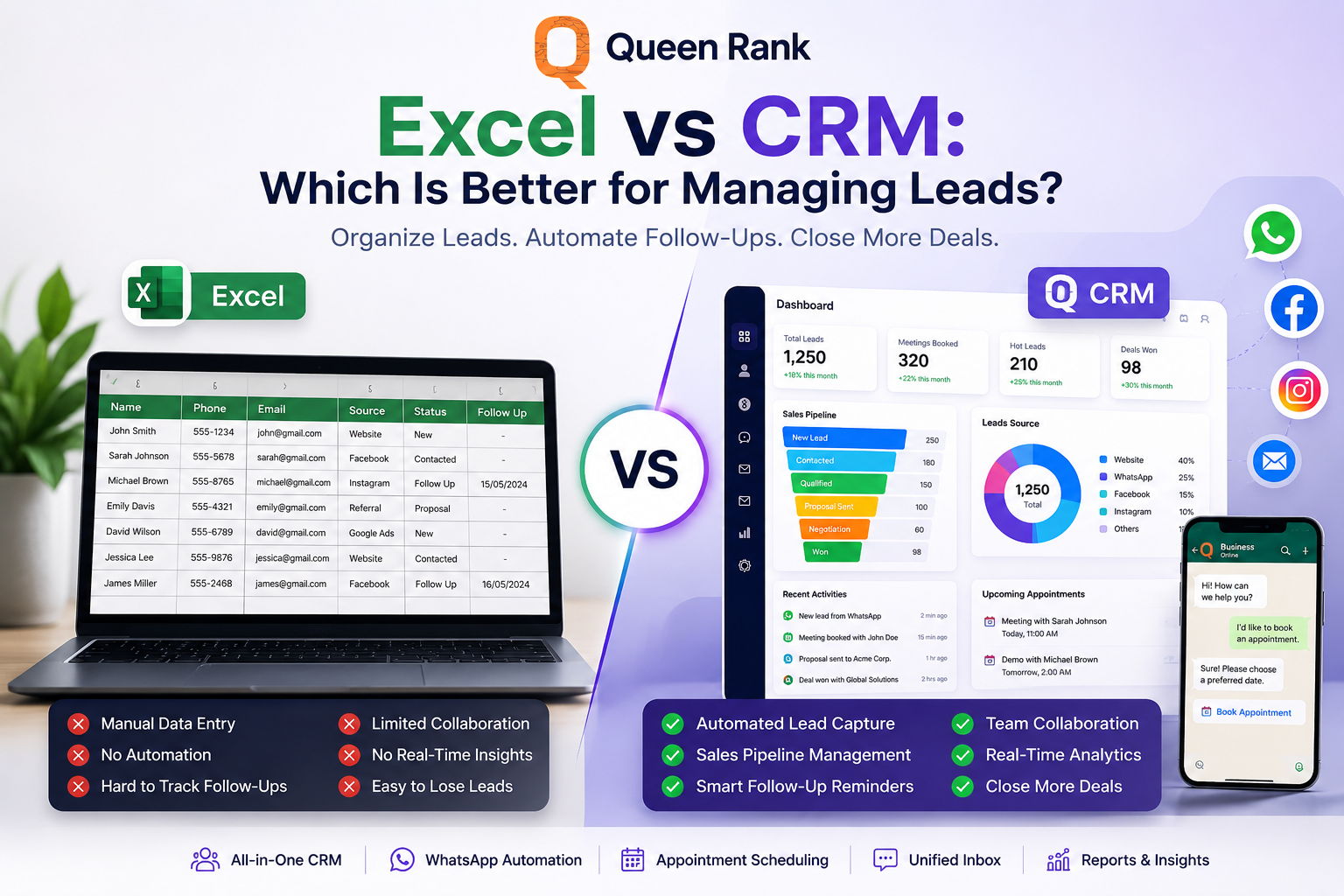
Warning signs include missed follow-up, duplicate outreach, unclear ownership, multiple lead sources, and difficulty producing reliable pipeline reports. Compare Excel and CRM for lead management.
Should every customer message be automated?
No. Automate predictable administrative steps and preserve human attention for advice, objections, complaints, and complex decisions.
What is the best CRM for a service business?
The best fit depends on channels, workflow, team size, reporting needs, integrations, and implementation support. Evaluate the platform using your own lead journey.
Choose a CRM your team can operate every day
The right service business CRM creates a clear path from first enquiry to successful delivery and repeat business. It gives employees context, managers visibility, and customers a more consistent experience.
Explore Lead Connector to see how your lead capture, communication, appointments, pipeline, and automation can work together.
Sources: Zoho CRM for Service Industry and monday.com: CRM for Service Businesses.