.png)
How to Build a Sales Process: 7 Stages, CRM Pipeline and Automation
Build a repeatable seven-stage sales process with qualification rules, CRM pipeline stages, ownership, automation, handoffs and measurable KPIs.
What is a sales process?
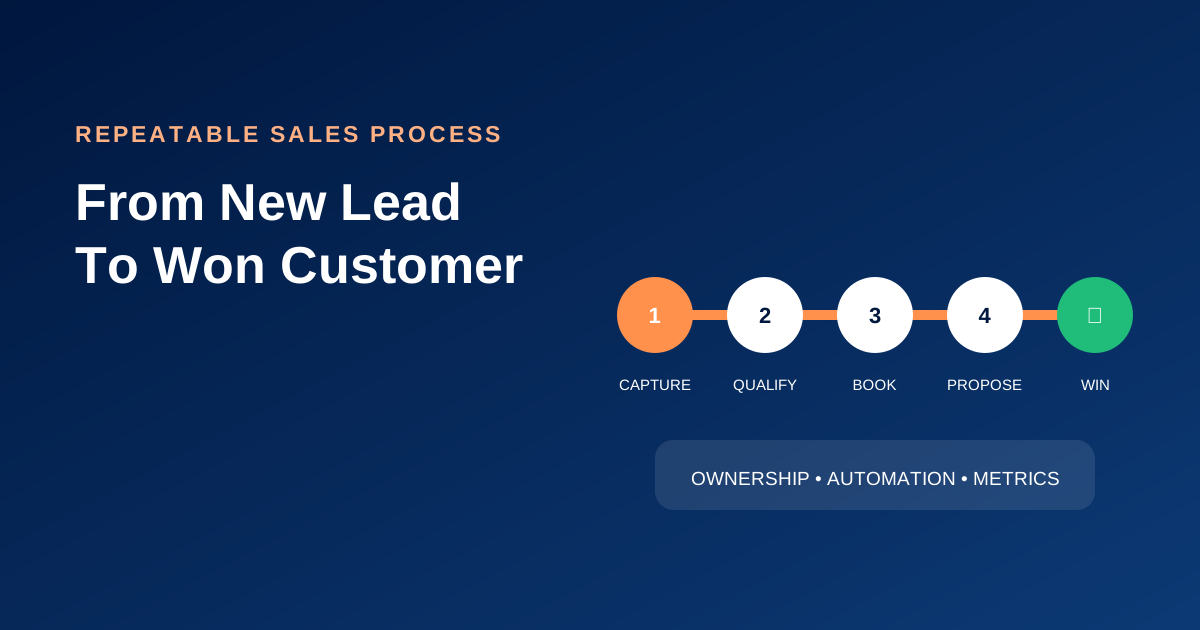
A sales process is a repeatable sequence of actions that moves a suitable prospect from first interest to a buying decision and a successful handoff. It gives employees a shared method, gives managers measurable stages and gives customers a more consistent experience.
A pipeline is the CRM representation of that process. The process defines what should happen; the pipeline shows where each opportunity is now.
Why document the process before configuring CRM?
Software cannot decide which leads are suitable, what evidence is required or who owns a handoff. If unclear work is automated, the confusion becomes faster. Document the customer journey, decision criteria, responsibilities and exceptions before building stages and workflows.
Stage 1: capture the lead
Connect the sources customers actually use: website forms, landing pages, calls, email, chat, WhatsApp, social channels, advertisements, imports and referrals. Preserve the original source and campaign when available.
Minimum information may include contact method, requested service, location and consent. Avoid forcing a high-intent visitor to complete an unnecessarily long form.
Stage 2: assign and respond
Every new lead requires one accountable owner and a response expectation. Route by service, location, language, availability or territory. Send a transparent acknowledgement and notify the owner.
Measure first useful response time. An automatic confirmation is valuable, but it is not the same as resolving the customer’s question.
Stage 3: qualify
Determine whether the problem, timing, authority, service area and budget are compatible with the offer. Create clear qualification criteria so employees do not interpret “qualified” differently.
Automation can collect facts and score signals, but sensitive or complex qualification should remain human.
Stage 4: discovery or appointment
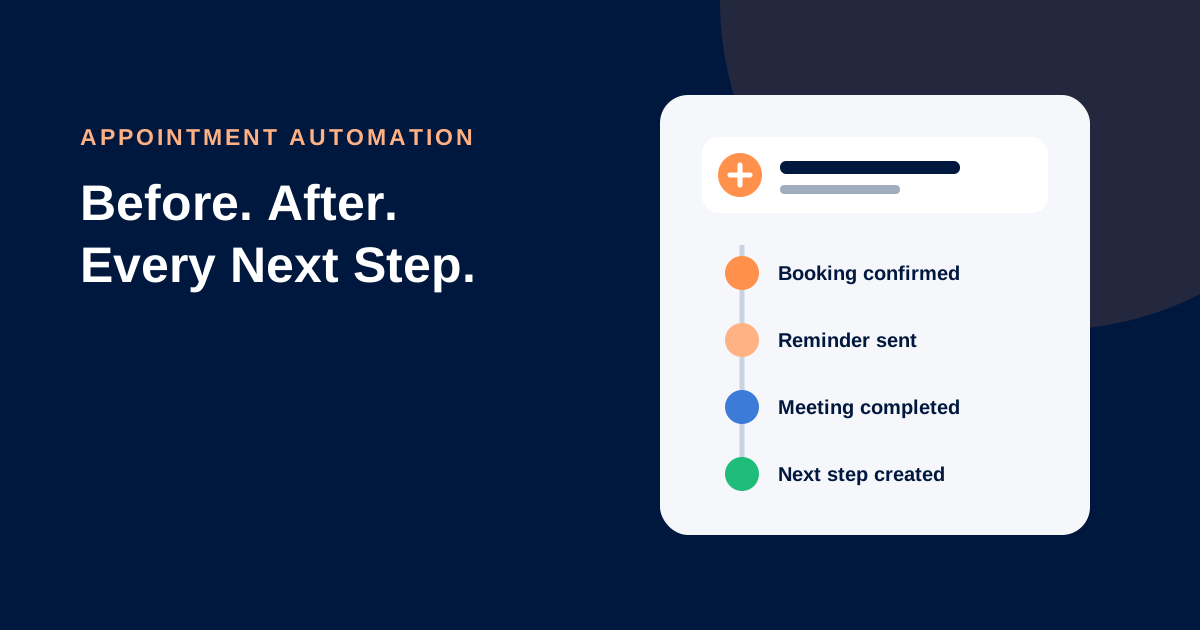
The next step may be a call, consultation, inspection, demo or assessment. Connect booking to the contact and opportunity. Collect intake information, send reminders and give the employee the complete history.
Use automated appointment follow-up to protect attendance and next actions.
Stage 5: propose the solution
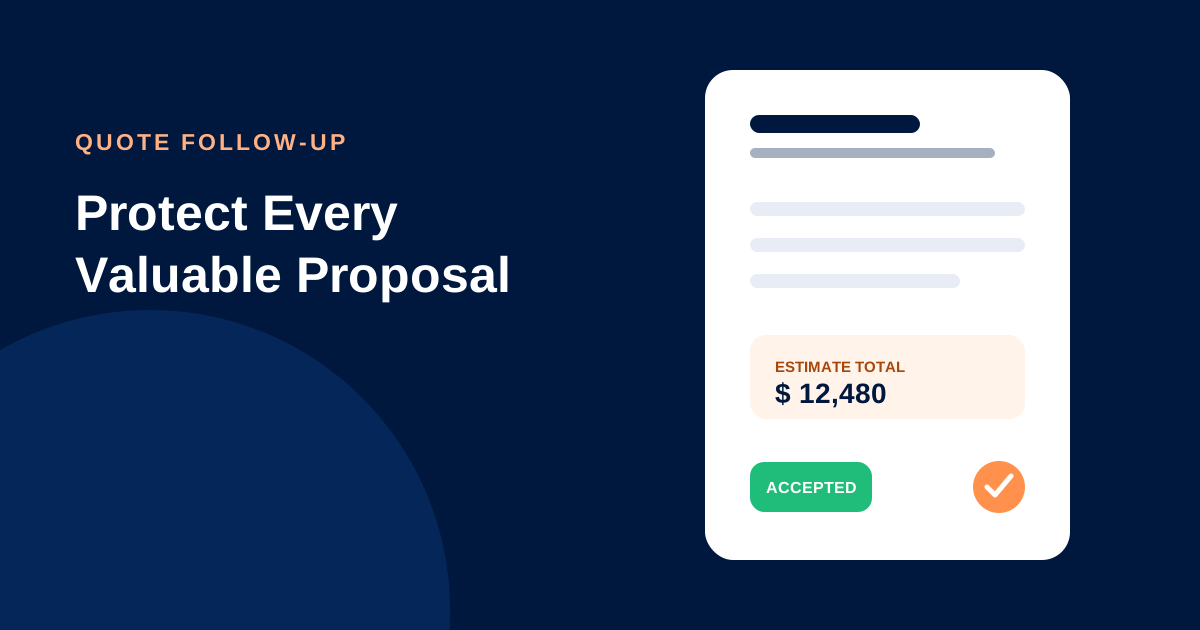
Document the customer’s objective, recommended scope, price, assumptions and decision process. When an estimate or proposal is sent, record its value, date, version and expected decision date.
The pipeline stage should represent an observable milestone such as Proposal Sent, not an opinion such as “Very Interested.”
Stage 6: follow up and decide
Confirm receipt, answer questions and follow up with useful context. Coordinate messages and calls. Record the result as Won, Lost or a clearly defined nurture state rather than leaving old opportunities open indefinitely.
Stage 7: hand off and grow
A won deal is not the end of the customer journey. Trigger onboarding, payment, project delivery, course access or service tasks. Preserve what sales promised and identify the delivery owner.
After successful fulfillment, continue with support, reviews, referrals, renewals, rebooking and appropriate additional offers.
Example service-business pipeline
| Stage | Entry requirement | Required next action |
|---|---|---|
| New enquiry | Valid request captured | Assign and respond |
| Contacted | Useful outreach attempted | Qualify need and timing |
| Qualified | Fit criteria confirmed | Book consultation or prepare scope |
| Appointment booked | Valid time reserved | Confirm and prepare |
| Proposal sent | Proposal delivered | Confirm receipt and decision date |
| Decision | Questions or negotiation active | Record outcome |
| Won | Customer accepted | Payment and delivery handoff |
| Lost | Defined reason recorded | Close or place in eligible nurture |
Define stage rules
For every stage, document:
- The observable entry condition
- The owner
- Required information
- Expected time in stage
- The next action
- Automation and human responsibilities
- Exit and stop conditions
- The metric that indicates success
Avoid too many stages. If two stages require the same action and reporting, they may not need to be separate.
Automation that supports the process
Useful workflows include acknowledgement, routing, owner notification, task creation, appointment reminders, inactivity alerts, proposal follow-up and won-deal onboarding. Automation should stop after reply, opt-out, disqualification, purchase or manual takeover where appropriate.
Sales process metrics
Track lead volume, valid source, response time, contact rate, qualification, booking, attendance, proposal rate, stage conversion, time in stage, win rate, sales-cycle length, value, lost reasons and opportunities without a future task.
Review the process by source, service and owner. An overall average can hide a broken campaign or capacity problem.
Common mistakes
Do not treat every contact as an opportunity, use vague stages, keep dead deals open, automate without stop conditions or measure activity without outcomes. Do not let the CRM become optional; the agreed process must be easier inside the system than outside it.
Frequently asked questions
How many sales stages should a small business use?
Use the smallest number that represents meaningful customer milestones. Many service businesses can begin with five to eight stages and refine them from evidence.
What is the difference between a sales process and pipeline?
The process is the repeatable method. The pipeline is the visual and data model used to manage individual opportunities through that method.
How often should a pipeline be reviewed?
Employees should update opportunities after meaningful activity. Teams commonly conduct a structured review weekly and examine higher-level trends monthly.
Build a process your team can execute
Lead Connector sales management combines pipelines, conversations, calendars, tasks, workflows and reporting. Talk to our team about translating your sales process into a working CRM.